Virtual Open Day Playbook: How to Turn Online Events Into Applications
A virtual open day is an online event where prospective students and parents can meet faculty, hear about programmes, see the campus and ask questions without travelling. Run well, it is one of the most effective ways to move students from interest to application, especially international students and those from distant cities. Run badly, it is a long slide presentation that people leave after ten minutes. This playbook covers how to plan, promote, run and follow up a virtual open day so it produces applications, not just registrations.
I moved my recruitment work fully online in 2020, running virtual open days, webinars and online campaigns, and they have stayed part of the mix ever since. What follows is the structure I use.
Why virtual open days still matter
- Reach. Students who could never visit, including international students and families in smaller towns, can attend.
- Cost. One well-run session can reach hundreds of students for a fraction of the cost of travelling to fairs.
- Intent. A student who gives an hour to your event is far more likely to apply than one who clicked an ad.
- Parents. Families can attend together from home, which matters when parents share the decision.
Step 1: Plan around one clear goal
Decide what the event should achieve before you choose a platform. For most institutions the goal is applications for a specific intake. That shapes everything: which programmes to feature, who should speak and what call to action to end with.
Choose the format
| Format | Best for |
|---|---|
| Single live session (60 to 90 minutes) | One faculty or one flagship programme |
| Multi-room event | Several programmes, with students choosing sessions |
| Short programme webinars over a week | Busy audiences such as working professionals |
| Country-specific session | International markets, scheduled for local time zones |
Pick the date with the admissions calendar
Schedule open days when students are deciding, not when it suits the institution: after exam results, before application deadlines and before scholarship cut-offs. For international audiences, check local holidays and time zones.
Step 2: Build the agenda
An agenda that holds attention mixes short talks with interaction. A 75-minute session I would recommend looks like this:
- Welcome (5 minutes). What attendees will learn and how to ask questions.
- Why this institution (10 minutes). A short, specific overview, not a history lecture.
- Programme spotlight (15 minutes). Faculty explain what students learn and where it leads.
- Student panel (15 minutes). Current students, ideally from the same regions as the audience, talk about real life on campus.
- Admissions and fees (10 minutes). Eligibility, fees, scholarships, deadlines and how to apply.
- Live Q&A (15 minutes). Answer real questions from the chat.
- Next step (5 minutes). One clear action, such as booking a counselling call or starting an application.
Step 3: Promote it to the right students
- Invite existing enquiries first. They are the warmest audience you have.
- Run paid social and search campaigns to a dedicated registration page with a short form.
- Share through agents, partner schools and counsellors.
- Post short clips from faculty and students on social media in the week before.
- Send reminders by email and WhatsApp a week before, a day before and an hour before.
The registration page should follow the same principles as a good programme landing page, covered in my guide to university landing pages. Ask only for what you need: name, contact number, email, programme and country or city.
Step 4: Run it smoothly
Rehearse
Do a full run-through with every speaker a few days before. Test sound, slides, screen sharing and the Q&A tools. Most bad virtual events fail on avoidable technical problems.
Staff the chat
Assign counsellors to answer questions in the chat during the event, so students get replies straight away and speakers can focus on the big questions. Note every question; they are your best source of FAQ and content ideas.
Make it accessible
Turn on live captions, share slides in advance for students on slow connections and keep text on slides large and simple. The W3C guidance on captions and subtitles is a useful reference.
Record it
Record the session and edit it into a replay and short clips. Many registrants will not attend live, and the recording gives them a reason to stay engaged.
Step 5: Follow up within 24 hours
The open day is the start of the conversation, not the end. Within a day:
- Thank attendees and send the replay, slides and a link to apply.
- Send non-attendees the replay with a short summary.
- Have counsellors contact every attendee who asked a question or showed strong interest.
- Invite engaged students to a one-to-one counselling session.
My guide to student recruitment funnels explains how this fits into the wider follow-up system.
Step 6: Measure what the event produced
- Registrations and attendance rate.
- Average time attended and questions asked.
- Counselling sessions booked after the event.
- Applications and enrolled students from attendees, compared with non-attendees.
- Cost per attendee and cost per application.
From the field
When recruitment moved online in 2020, I shifted my work to online open days, webinars and online campaigns, and they have stayed in the mix ever since. The principle I brought from my offline counselling centres is simple: students decide after a conversation, not after a presentation. That is why this playbook gives as much time to questions, student voices and next-day follow-up as it does to the talks themselves.
Frequently asked questions
How long should a virtual open day be?
Around 60 to 90 minutes for a single session. For multi-programme events, keep each session short and let students choose.
What platform should we use for a virtual open day?
Any reliable webinar or meeting platform that supports registration, Q&A and recording. Choose one your audience can join easily on a mobile phone.
How do we get more people to attend after registering?
Send reminders by email and WhatsApp a week, a day and an hour before, and make the session time clear in the attendee’s own time zone.
Should current students speak at a virtual open day?
Yes. Student panels are often the most valued part of the event, especially when students come from the same regions as the audience.
How do we measure the success of a virtual open day?
Look beyond registrations to counselling sessions booked, applications and enrolled students from attendees.
Conclusion
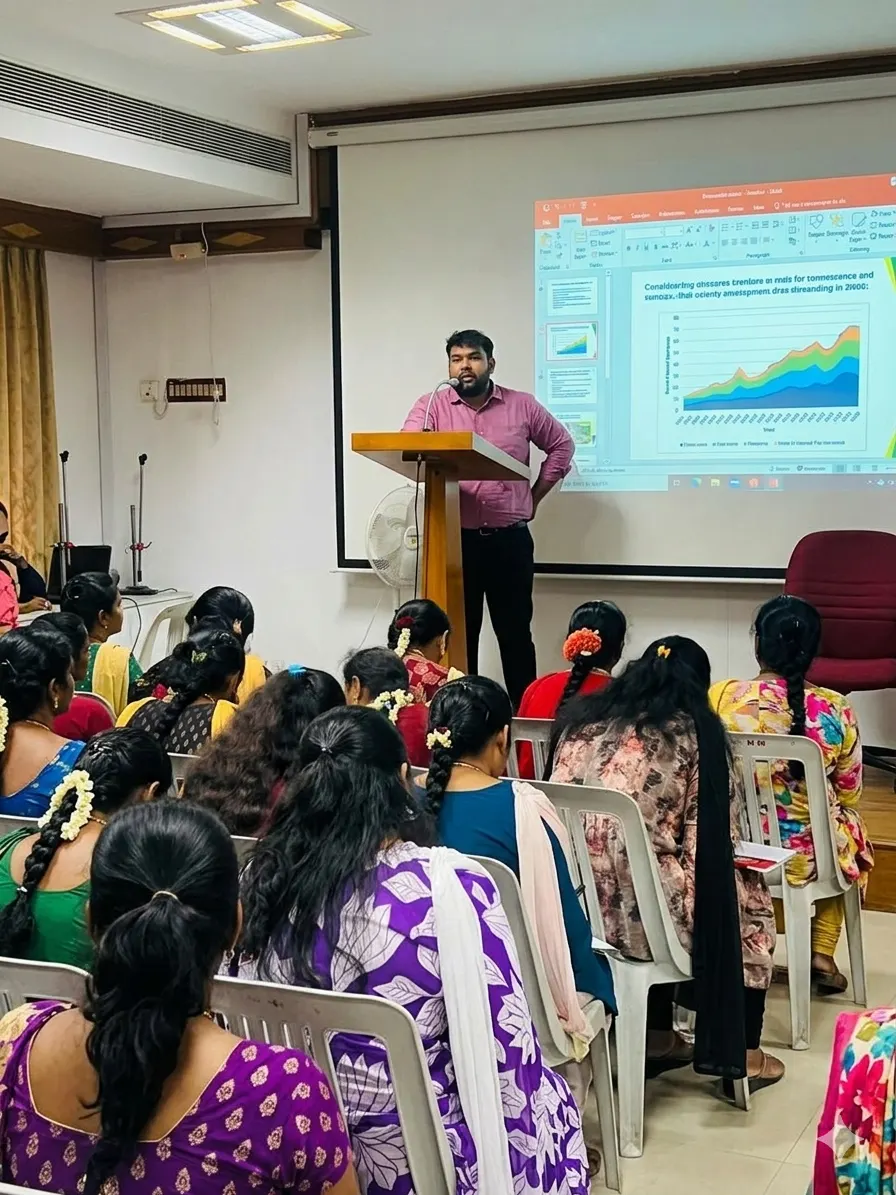
A virtual open day is a recruitment event, not a broadcast. Set one clear goal, build an interactive agenda with real students, promote to warm audiences first, staff the chat, follow up within a day and measure applications rather than attendance. Do that each intake and virtual events become one of your most reliable channels. You can see related topics in my speaking sessions, including “Building High-Converting Enrollment Funnels”.
Planning your next open day?
Share your agenda, and on a free 30-minute call I will suggest how to turn more attendees into applicants.

One Comment
Comments are closed.